BareMetal Logic
A downloadable game for Windows and Linux
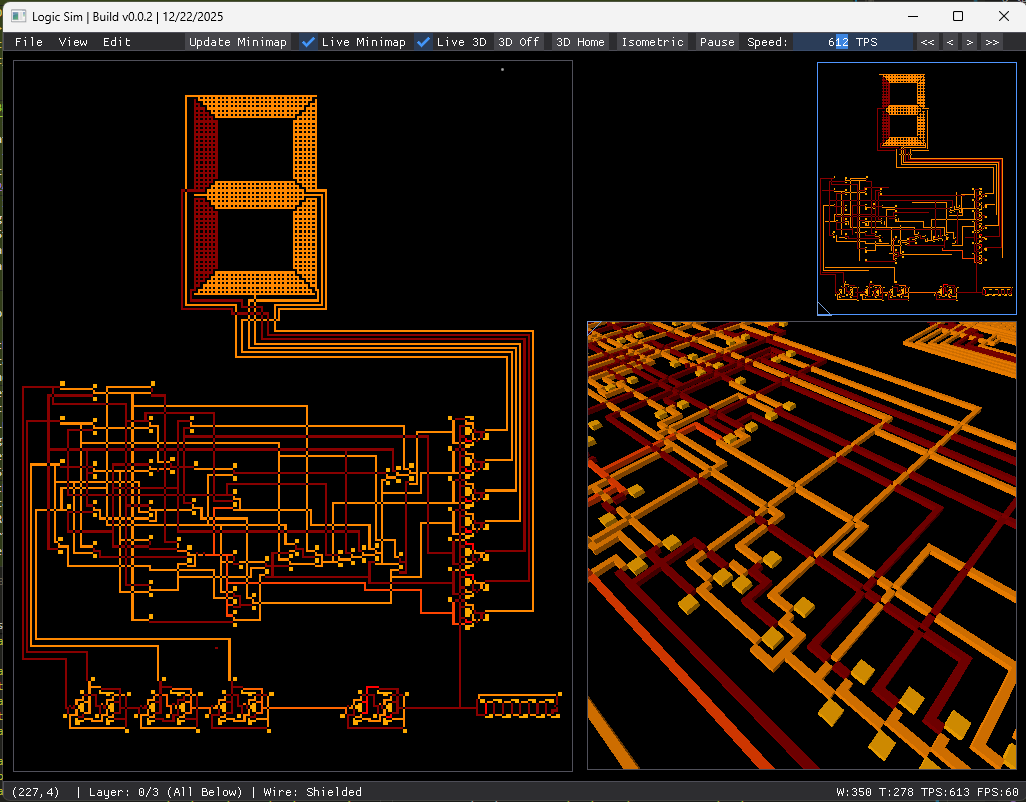
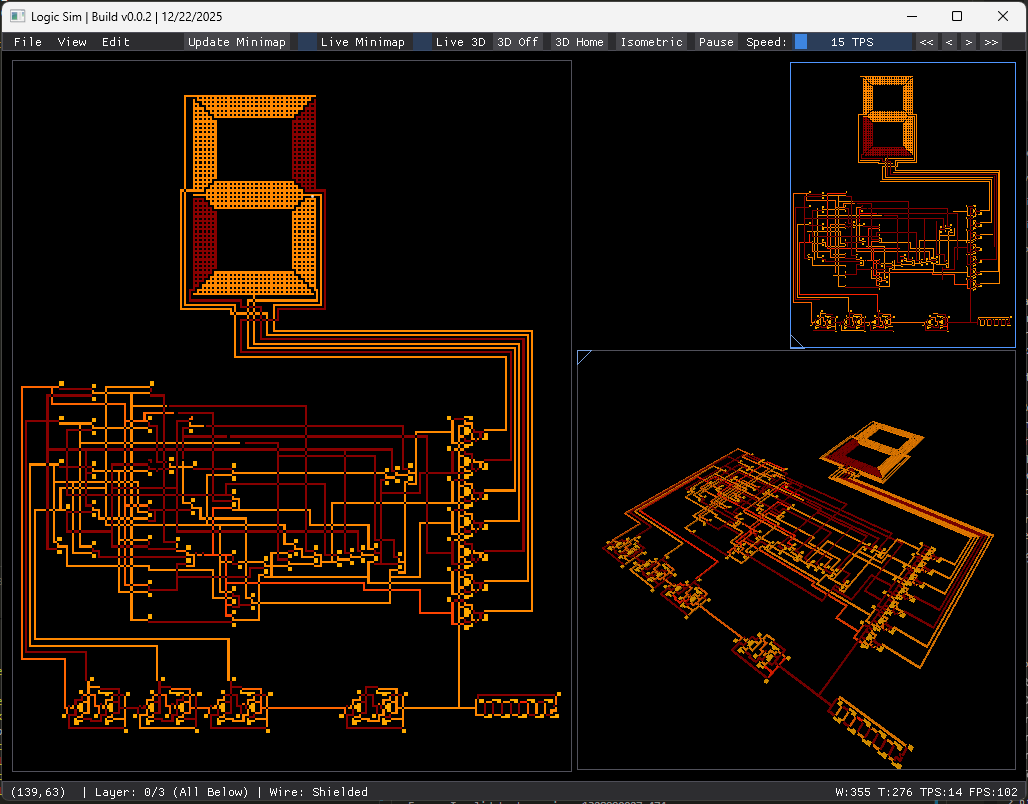
BareMetal Logic is a sandbox pixel-based digital logic simulator that is designed to be as true-to-life as possible whilst circumventing the oddities of real semiconductor development. Build, program, debug, and simulate anything from simple transistor circuits to early x86 computers at millions of TPS!
Super work-in-progress game about digital logic.
Some current features include
- Pixel-based wire drawing + erase tools
- Live 3D voxel view of the multi-layer circuit
- Real-time simulation with speed (TPS) controls
- Minimap (manual refresh or live updates)
- Copy / cut / paste with a live “ghost” preview
- Multi-layer editing for complex circuits
- Branching history timeline with jump-to-node, undo/redo, play/rewind controls, and dead-branch visualization
- Major performance improvements for huge TPS runtime speeds
Features to be implemented in the near-feature
- Bus tool for easier bus-line routing, and other blueprinting tools
- A chip-blueprint library and chip-optimization routine for uber-fast circuits
- Import Verilog and convert into circuits
- Assembly editor + assembly memory support
- Time-control / signal playback dock for propagation debugging
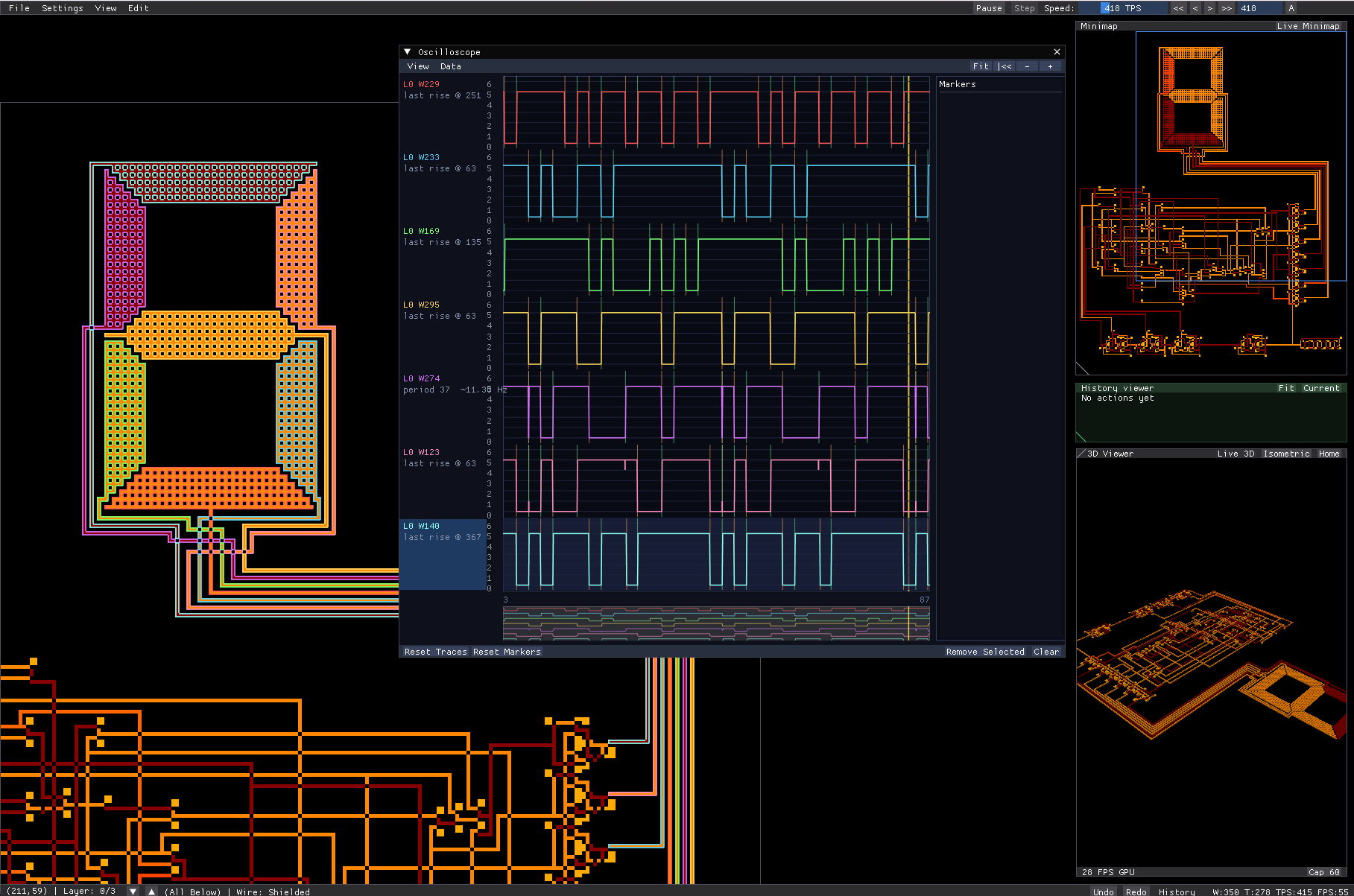
- Wire probing + waveform/clock-diagram view
- More realistic wire behavior options (delay/charge/current flow) + metastability visualization (readable, colored wires)
- Pixel palette for backgrounds and labels as separate color
- Multi-colored wires (shared lightening formula)
Suggestions? Bugs? Find other creations?
Join the discord! The discord contains early access builds so you can get your hands on the latest features ahead of the next major update! It also contains a bug reporter that should make it easier to report bugs and see the progress on how other features are coming along. It also contains wiki documents and other very helpful people!
Fine Print Cheekiness
The donations garnered here will be used to help fund further development and meet Steam's publication fees.
Donations at 4.99 or higher will receive steam keys on the steam-release of game. Steam game to be priced at 11.99.
Download
Click download now to get access to the following files:
Development log
- Major Update, Version v45 Released!37 days ago
- Minor Update, Version v44 Released!Apr 05, 2026
Comments
Log in with itch.io to leave a comment.
so i've been trying to optimize my circuits for size alot, and i decided to try to optimize for speed a bit today and managed to make a much faster xor gate (3 ticks) by using wires with just 0 and 1 power (since the power decreases by 1 per tick)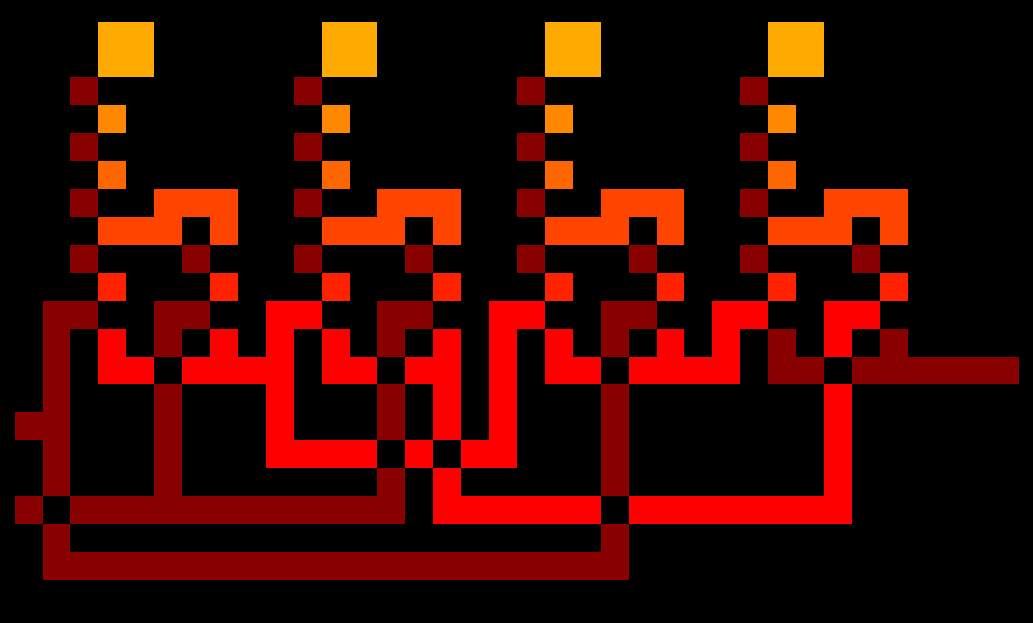
i made it with 4 nand gates, each nand gate is 1 tick
these are very interesting!
nvm seems like it takes 4 ticks sometimes for some reason
would be easier to debug if you added a way to step 1 tick at a time
hi again,
this is planned as part of the upcoming signal analysis update where an oscilloscope will be introduced for things like this as well as handling metastability and whatnot.
i found the problem, i connected the inputs right to the first nand gate and 2nd and 3rd nand gates, and i also connected the 1st nand gate to the 2nd and 3rd nand gate and since a nand gate takes 1 tick those 2 paths take different amount of time
i managed to make a 2 wide d flip flop, i'm probably not going to use it though since it's slower than my 1 layer d flip flop
and also because other things are already wider than my 1 layer d flip flop so the limiting factor for size isn't the d flip flops anyway
i was thinking of making a discord for people to post their creations, filing bug reports and whatnot, as well as meeting other people who are playing the game currently (of which there are around 10-ish). would you find something like that interesting?
i would join it
https://discord.gg/jxk62n7vm6
i found another bug, some positions and angles in the 3d view make lines appear and they lag alot
yes, this is a known issue with the sdl renderer pipeline, i am going to raise a pr on their repo to see if i can get it sorted
i haven't had much time to make things in this game after i made the 256 bytes of ram, i have some time now though so i started making something, but i found some problems when having alot of history nodes
1. it lags alot when going to a very early history node from the last one
2. if i open a long line of history nodes it takes a long time to scroll all the way to the end
problem 2 can be fixed by adding zooming out to the history graph
will add this to the upcoming QOL update as there are a few other things users have raised
Heh it's so cool to think that I was the OG who commented first!
Have you made anything in the game? I'd be quite interested to see what you might have been working on!
not yet 😔
i made 256 bytes of memory
connecting all the layers would be a bit easier if i could hold a keybind to make intersections of the new wire and the wires already there into wire crossings instead of just making them connected together (basically doing xor instead of or for each pixel the line is on)
also it seems like if i have a single wire that is very big, all placing/deleting gets very laggy even when far away from that very big wire, to me it seems like you might be recalculating every wire every time a pixel is changed (i haven't seen the source code so not 100% sure)
very nice!
1. this is a simple feature to add, i will slate it for the next update
2. yes, that is mostly correct, a chunk-based recalculation has been implemented. i plan to release the update hopefully mid-march once SIMD instructions are stable.
thanks!
could you make saves 1 big image instead of 4 smaller ones? would make it easier to find the save i'm looking for since there wouldn't be so many files, also if you do this you should make it use the current system when the save ends in [0] to not break saves
hello,
this is a good idea, i will slate it for addition to the game.
thanks,
ayan
haven't found a way to save history, i would like to be able to save it, rn i have over 5k nodes lol
oh also i found a way to make 11x7 d-latch
very well done! the smallest I could manage was 12x15 DFF.
would be curious to see your implementation!
best,
ayan
here are the 2 d latches i have, the reason i have the top one is because the bottom one is a bit problematic with the output of it looping into the input (includes through other things)
also what you sent an image of isn't a DFF (d flip flop), it's a d latch, the difference is that a d flip flop only stores on rising or falling edge of a clock input while d latch stores as long as the store input is on (on a d flip flop you can have the store input as constant on or not have it at all and use the clock input as a store input)
the best way i've found to make a d flip flop is to use 2 d latches in series where one of them stores when the store input is on and the other stores when the store input is off
here, i made a d flip flop using my smallest d latch, the top 3 rows are only needed on the top one if you use this to store values with multiple bits, could be used as a register or memory (memory could use d latch though)
hello,
the image I sent before is, in fact, a DFF. the bottom line acts as the clock signal whilst the left line acts as our store value.
best,
ayan
no it's a d latch since it doesn't only store on rising/falling edge of the clock signal as you can see in these images, the clock signal stays on (not falling/rising edge) but it still stores the value
hello,
unfortunately when making the history viewer I had neglected to add a save option.
i will slate this as an urgent feature for the next update!
thanks for raising this,
ayan
could you please make how much you can zoom based on canvas size, since rn if i make it very big i can't zoom in far enough, also i would like to be able to set the speed to specific values instead of just multiples of 15 and multiples of 50, would also be nice if i could move the 3d view, minimap and the other thing (idk what it's called) around but imo not as important
hello!
1. the canvas zoom problem is a known problem, it will be fixed in the next update
2. I will slate a textbox for specific TPS values as a feature in the next update
3. 3d map, minimap, and the version controller can be panned using holding the middle mousing button and moving your mouse. scroll wheel for zoom. the 3d map can be adjusted to be homed using the top toolbar. i will slate in additional tooltips for these.
let me know what you have been making in the game..!
thanks,
ayan
ah, I see.
currently I am reworking my UI completely and this was part of the plan to allow for a more development orientated UI where windows can be dragged around and snapped.
i will slate window movement for then next update and push ui overhaul to a future update (lot's to do!)
perhaps I will open up a Trello page or similar for the pipeline.
thanks,
ayan
apologies, I did not mean to delete this post! I had meant to delete an old draft I had prepared for this.
the original post read as (paraphrased):
the had meant to say that windows should be draggable and resizable like the help menu is. they had also said that they are currently optimizing small circuits for the end goal of making a CPU.
apologies!
If I may suggest, 80% keyboards don't have pgup and pgdown... (sadly... me having an 80% keyboard against my will lol) so maybe you could add/change controls for layer switching? or maybe make it so the mouse can find some setting idk lol just a suggestion...
hello,
thanks for your feedback, this is a good idea. i have noted it down and will add to the next update (once it comes around..!). work is very busy currently and so i have no time to work on my game sadly.
best,
ayan
of course! Im patient lol, excited!
woah! Can;'t wait to see more!
hello,
thanks for your kind words, i should be releasing a new update by the end of the month! some cool features await :)
thanks,
ayan
Woah they replied!!! Lolll excited! (Tho a little confused on shapes lol, couldn't find a shape thing guide so that'd be useful)
hello,
yes, currently it might be a bit difficult to understand what is going on if you do not have a digital logic background. tutorial levels are at the top of my priority right now.
currently, you may open exampleOne[0].gif using in the file->open dialogue to examine examples of non-minimized gates that can be made using PgUp and PgDn.
thanks,
ayan
I just found the example[0] lol, i understand now! I'll try to make something cool with this soon lol
hello,
great! can't wait to see your creations!
best,
ayan